Cohesive Explanation:
For my final project, I chose to create a vegan cooking show. I chose this topic because although I am currently only vegetarian, I have been vegan in the past and am passionate about the topic. I also watch a lot of vegan recipe videos and read a lot of vegan food blogs in my free time, so I enjoy the topic and know a decent amount about it.
For my media, I decided to use Adobe Photoshop 2020, Adobe Premiere Pro 2020, and WordPress. I knew that I wanted to use photoshop because I have a decent understanding of it (I took a year long photography class in high school where we used photoshop every day, and have done work in photoshop outside of that class creating logos/flyers) and premiere pro because I watched a lot of YouTube tutorials on how to use it for the video project. I ultimately chose to use WordPress over Adobe Audition 2020 because I did not enjoy making soundtracks in audition, purely because I am not musically inclined whatsoever.
I knew that I would use photoshop to make a poster advertising my video as my main project; I also ended up using it to make title/end cards for my video, photo cut outs for my video, and a small ‘logo’ for my WordPress’s about page. I love Adobe software because of the compatibility between programs. For the title/end cards, I created photoshop documents using the HDTV 1080p format under the Film/Video tab, which made them optimized for premiere pro and shows lines on the document for where different screens will cut off a video. I also was able to make my poster, title/end cards for my video, and ‘logo’ for my WordPress’s about page cohesive in their backgrounds and font.
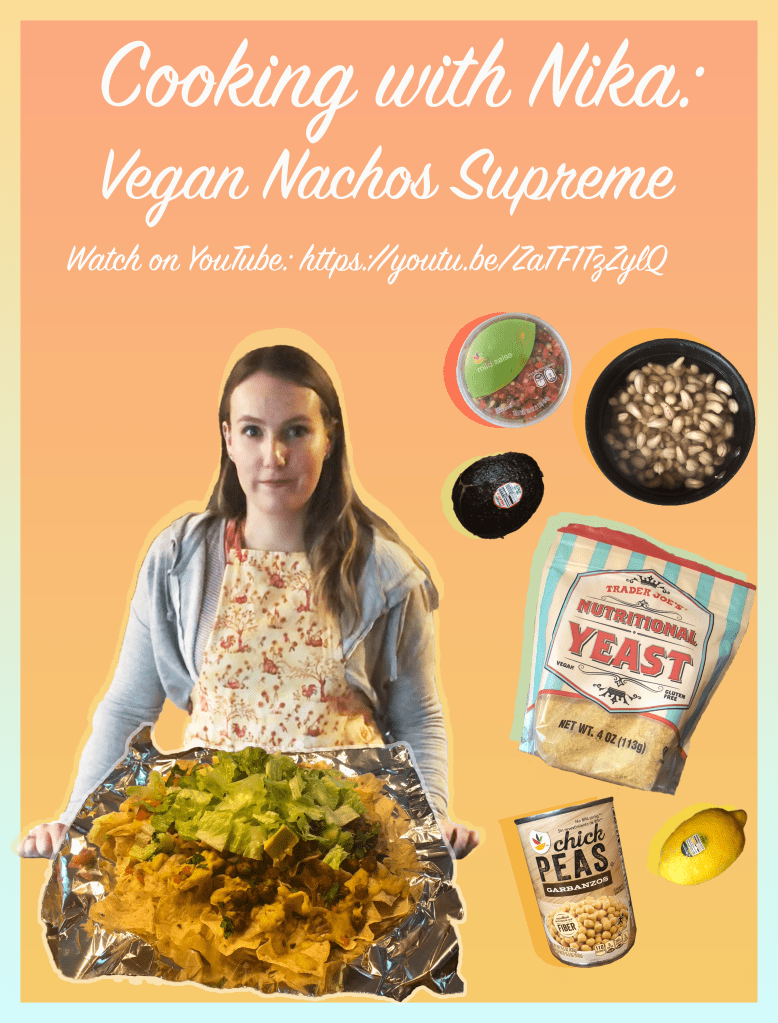
Specifically for my poster—which was my main project for the photoshop portion of my final project—I created an 18×24 inch document (which is the size of a small movie poster) which I used a gradient fill layer mask on to create the background orange/yellow color. I then expanded the canvas size by about 1 inch to create a border for the poster, which I used another gradient fill layer mask on to give the border a lighter blue/yellow fade. After having completed the background for my poster, I used the main skill we learned in our photoshop section of the class which was cut-outs. Using photos I took when making the nachos, I cut out ingredients, the nachos, and myself by using the quick selection tool/polygonal lasso tool (I prefer the quick selection tool), then Command-J copying to make a new layer, unlocking and deleting the background, using the eraser tool to clean up my cut-out, and coping/pasting the layer onto my poster. After arranging all my cut-outs on my poster in a visually appealing manner, I gave them color ‘shadows’ by Command-J copying the cut-out to make a new layer, moving the layer under the original cut-out layer, adding a color overlay and reducing the opacity of my new ‘shadow’ layer, and moving the ‘shadow’ layer so that it peeked out from behind the cut-out giving them a pop out of the poster. I took the picture of me as a screen shot from my video, so I had to edit myself using adjustment layers for brightness, saturation, and contrast because I looked kind of dull and dark. Finally, I added text onto my poster which I then used the same font for my video and ‘logo.’
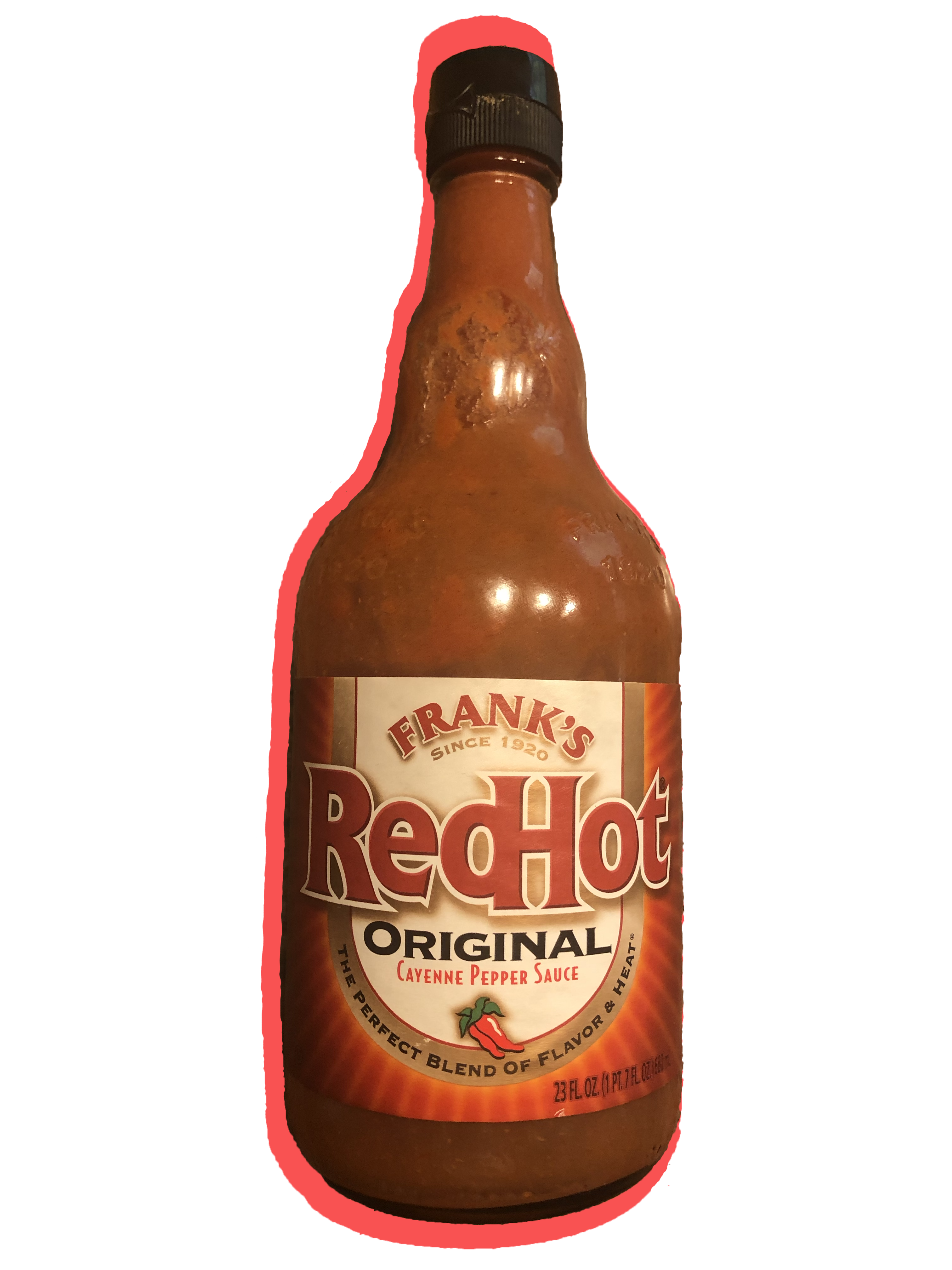
In Adobe Premiere Pro 2020, I imported my footage and then put it all in the correct order on my timeline. Next I added my title/end cards each for about 5 seconds at the beginning/end of my video. I went through and using Speed/Duration, sped up the videos I filmed intending to do voiceovers on to 200-250%. Then I recorded my voiceovers using my laptop’s internal mic directly into premiere pro, putting the voiceovers on those sped up videos and moving their audios to another track which I muted. I then added photos of Frank’s Red Hot and lime juice into the clips where I mentioned those two ingredients but did not show them. I also added two quick facts about vegan ingredients using the text tool and the same font from my photoshop poster. Finally, I exported my video to a .mp4 and uploaded the video to my YouTube channel.
In WordPress, I wanted to make a website that was a vegan recipe blog like some of the vegan YouTubers I watch have. I changed the theme of my website, added my own text and pictures (such as my ‘logo’ from photoshop on my about page), added pages, re-arranged and added my new pages to the menu, wrote out my vegan nachos supreme recipe on my recipes tab, added a page with facts about veganism, and set up the contact form on the contact page to email me questions people may have.
For my production plan, I planned to go to the supermarket on Monday to get the ingredients I needed for the nachos (I was going to the supermarket for other food shopping I had to do anyway). Then I planned to film the video all on Tuesday afternoon, when the lighting coming in through the windows around the kitchen would be good. Finally, on Thursday/Friday, I made my photoshop poster and other pictures, edited my video, and created my new WordPress site. I did all of this on the days as I had planned, which was around other work I had for my capping class and tutoring/doctor appointments.
Poster for my video made in Adobe Photoshop 2020:
Video made in Adobe Premiere Pro 2020:
Website made in WordPress: cookingwithnika.wordpress.com
Additional images created in Adobe Photoshop 2020 used in video/Wordpress site:

 The Most Interesting Blog Ever